
AI Insights
Lumion Alternatives in 2026: Why Architects Are Shifting to AI-Driven SaaS
A 2026 field guide for architects evaluating Lumion alternatives: cost, hardware burden, iteration speed, and why AI-driven SaaS is reshaping visualization pipelines.
The end of high-end hardware dependency
For years, architectural visualization performance was gated by a simple equation: better GPU, better output. In 2026 that equation is breaking—fast.
What changed isn’t taste. It’s operational reality:
- Teams need more iterations per week, not just prettier final frames.
- Remote collaboration is the default, not the exception.
- Hardware refresh cycles and license stacks add hidden cost and fragility.
Architects are shifting toward AI-driven SaaS workflows because they reduce the two biggest bottlenecks in production visualization: hardware dependency and slow iteration loops.
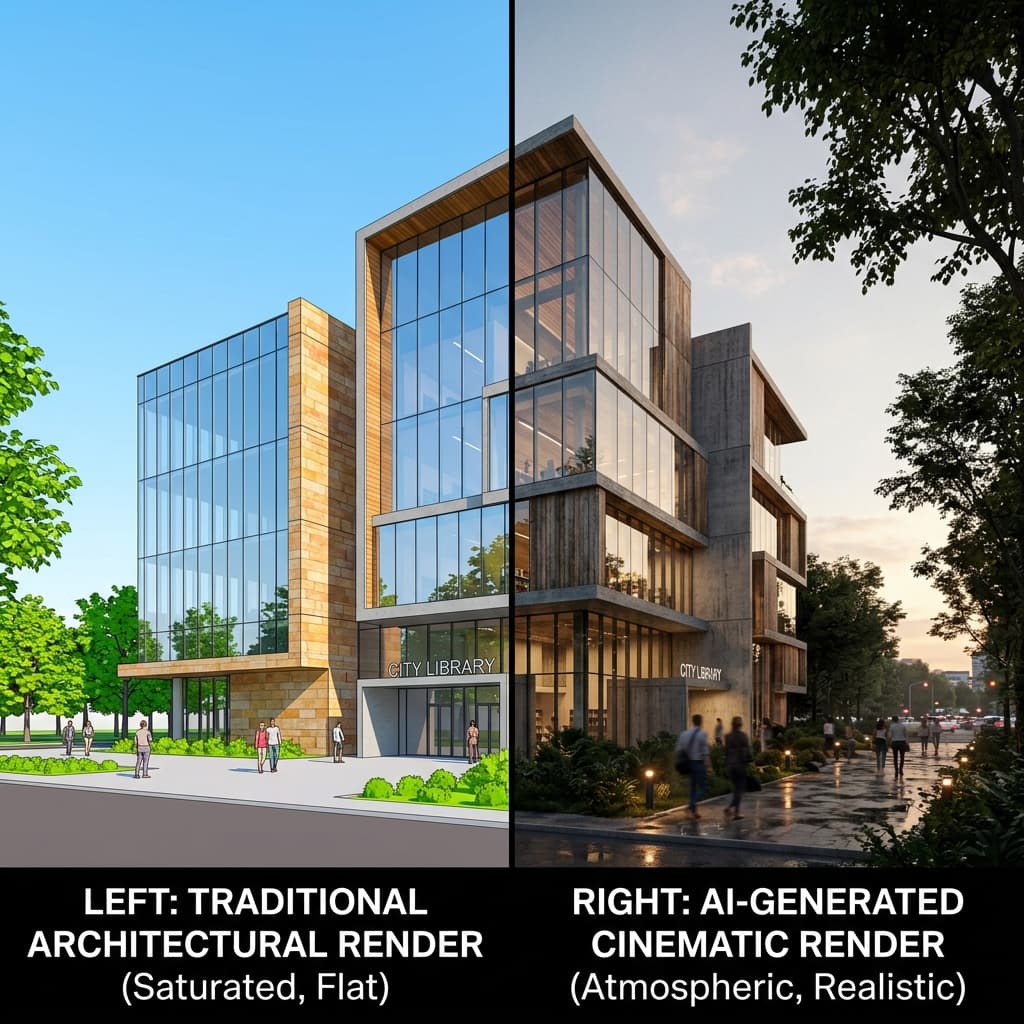
Traditional Rendering vs. Arkyra AI
Below is a practical comparison—focused on what actually matters in studio operations.
Traditional rendering (hardware-first)
- Pros
- Familiar tools and predictable output style
- Deep manual control for final polishing
- Trade-offs
- Output speed ties directly to workstation class
- Heavy export discipline and version fragmentation
- Late-stage iteration becomes expensive
- Collaboration is constrained by who has the “right machine”
Arkyra AI (SaaS-first, iteration-first)
- Pros
- Faster option cycles and fewer workflow stalls
- Consistent results across distributed teams
- Reduced dependency on high-end GPUs for every seat
- A more repeatable “review lane” for approvals
- Trade-offs
- Requires clear input discipline (clean intent, clean geometry)
- Teams must define QA gates (what is “review-ready” vs “final”)
The goal isn’t to replace craft—it’s to protect craft by moving repetitive, time-consuming steps into an accelerated lane.
What architects actually gain
- More reviews, earlier: approvals happen faster when options are abundant and consistent.
- Less “pipeline debt”: fewer exports, fewer version forks, fewer broken links.
- A premium client experience: decisions arrive with confidence, not with “we’re waiting on renders.”
Transition to AI Checklist
To keep the move clean and predictable, start with a standard lane and scale from there:
- Confirm your input “minimum bar” (units, scale, readable silhouettes)
- Define what “review-ready” means (camera set + lighting baseline + notes)
- Standardize naming (date + option + revision)
- Pilot on one project, one week, one output type (stills or short clips)
- Track iteration speed and rework sources (what breaks, what repeats)
- Roll out with a small QA checklist (before expanding to all teams)